Localize your app with AI.
Localization is crucial to maximizing your app's reach, but can be tedious. AutoLocalizer uses an LLM, running locally, to seamlessly translate your app's strings into multiple languages.
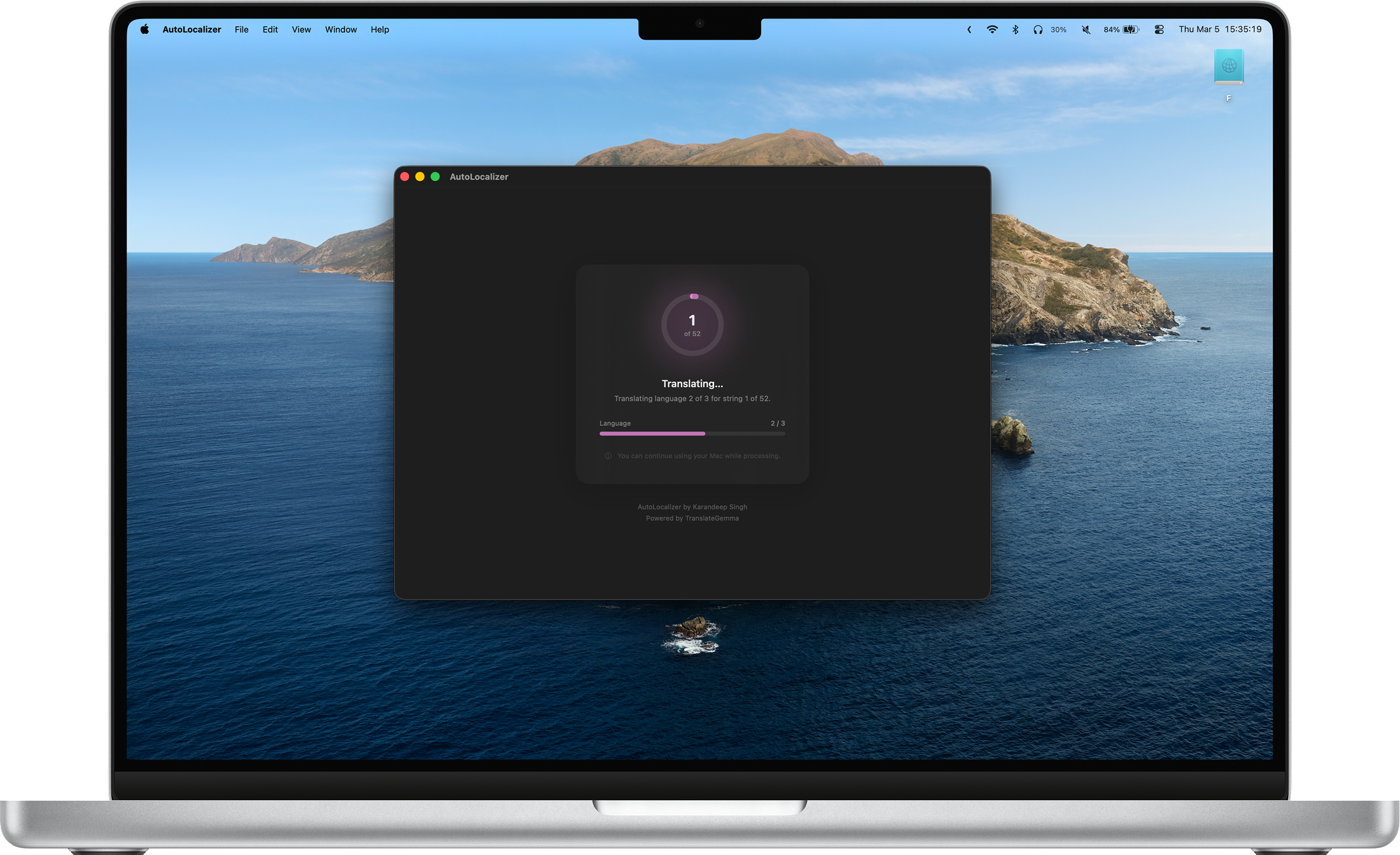

AutoLocalizer relies on AI. You are advised to review all translations for accuracy. AutoLocalizer is an entirely free app and offers no warranty.
Three simple steps to a fully localized app.
Open your .xcstrings file to begin. AutoLocalizer reads your strings and any
developer comments you've added.
Choose the languages you want to translate your strings into. AutoLocalizer supports a wide range of locales.
Wait while AutoLocalizer's on-device LLM translates your strings. Your updated Strings catalog is ready to drop back into Xcode.
LLM-powered translation understands context — not just words.
LLMs produce more natural, nuanced translations than traditional machine translation tools — understanding meaning, not just mapping words.
AutoLocalizer understands the context of each string. It grasps the intent behind your UI copy, ensuring translations feel native in every language.
AutoLocalizer reads the developer comments in your Strings catalog to further minimize translation errors and ambiguity.
Requires a minimum of 3 GB of memory and 3 GB of storage to run the on-device model.